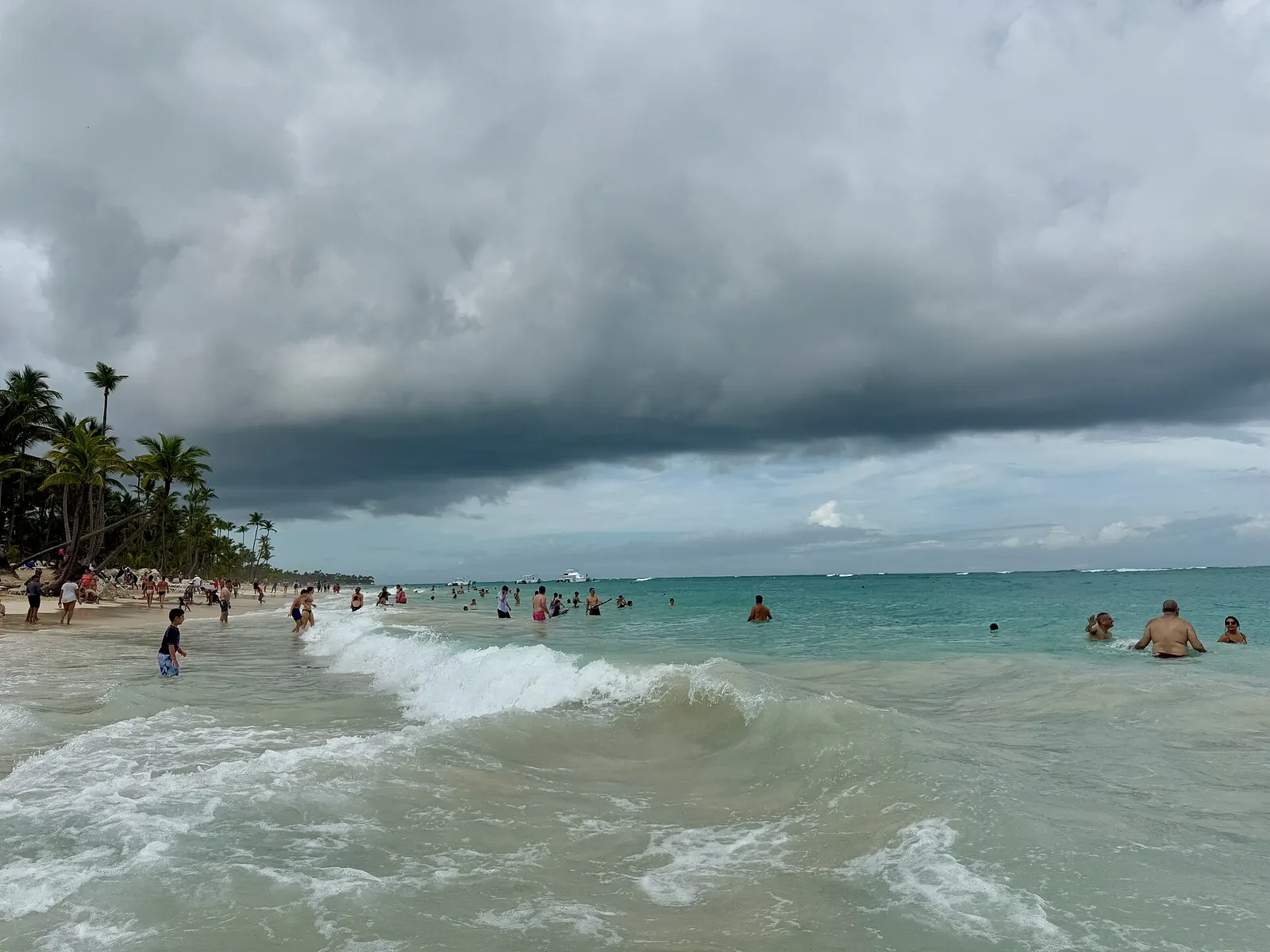
Photo: Puntacanaresort · CC BY-SA 4.0 via Wikimedia Commons
Resort WiFi in Punta Cana is fine for photos and messages and useless the one moment you really need it: standing outside arrivals looking for your driver.
So the real decision is what you do for data before you land. Here is how to choose between roaming, an eSIM, a local SIM and WiFi, and what to save offline so a dead signal never becomes a problem.
Choose the connection before travel
Compare the cost and convenience of home network roaming, a travel eSIM, a local SIM and resort WiFi. The best choice depends on phone compatibility, trip length, data use and whether the number must remain active for calls or bank messages.
Check eSIM compatibility
Confirm that the phone supports eSIM and is not locked to one network. Install the plan while connected to reliable internet, but follow the provider instructions about when to activate it. Save the QR code and setup details securely.
Resort WiFi
Coverage can vary between rooms, beaches, restaurants and public areas. Ask whether premium access costs extra and how many devices are allowed. Do not rely on WiFi alone for airport pickup or an urgent contact.
Local SIM cards
A local option may provide useful data for a longer visit. Buy from an authorised provider, understand identification requirements and ask when the plan expires. Keep the original SIM safe when changing cards.
Prepare offline
- Download maps for the resort area and planned routes.
- Save hotel, flight, transfer and excursion confirmations.
- Store the E Ticket QR code offline.
- Keep emergency and insurer contacts in the phone and on paper.
- Share the itinerary with a trusted person.
Use public networks carefully
Avoid sensitive financial activity on an untrusted network. Verify the correct network name, keep software updated, use strong authentication and turn off automatic connection when not needed.
Frequently asked questions
Will my phone work in Punta Cana?
Compatibility and roaming depend on the phone and network. Confirm bands, unlocking and charges before departure.
How much data do I need?
Maps and messages use relatively little, while video and social uploads use much more. Review past usage and choose a plan with a practical margin.